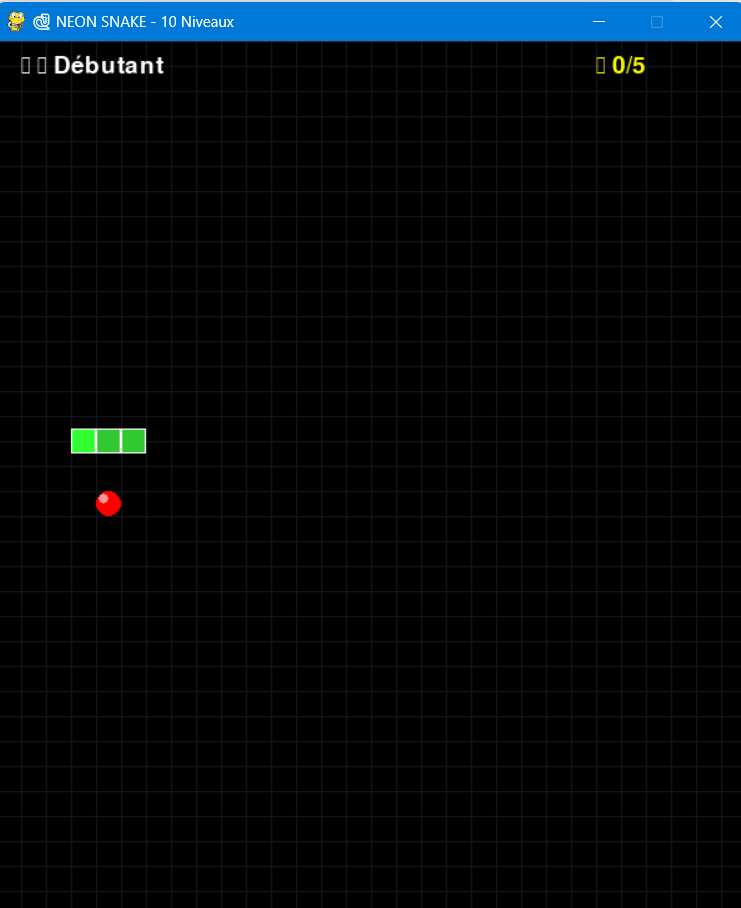
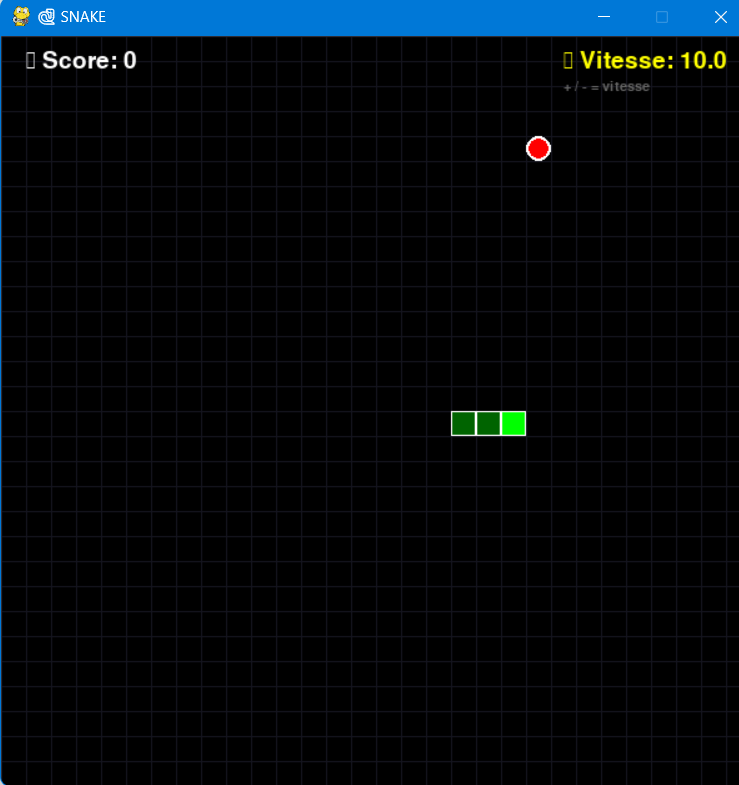
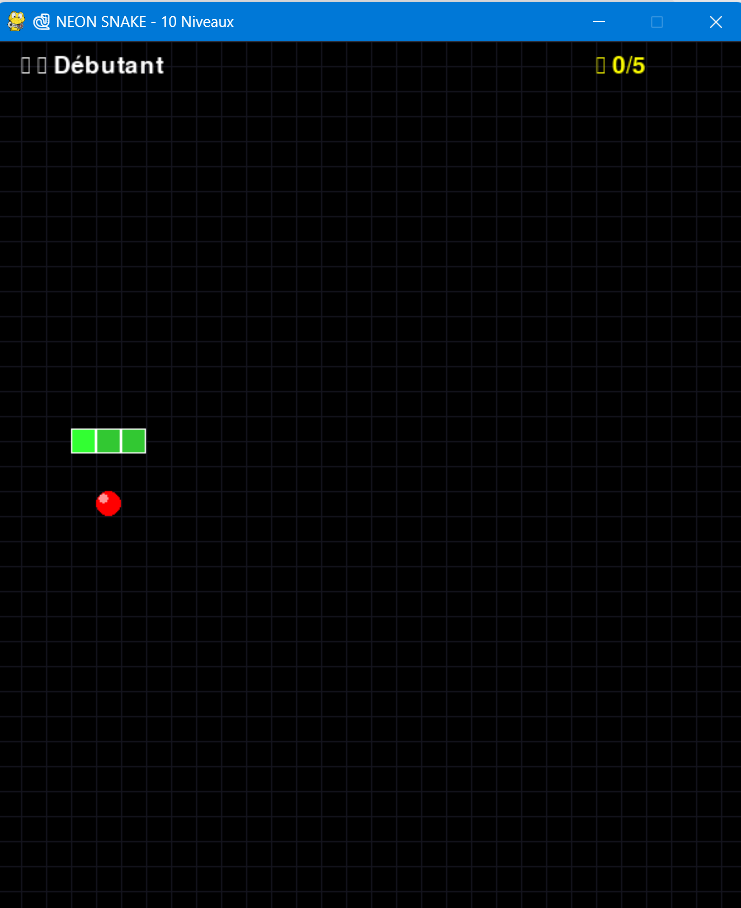
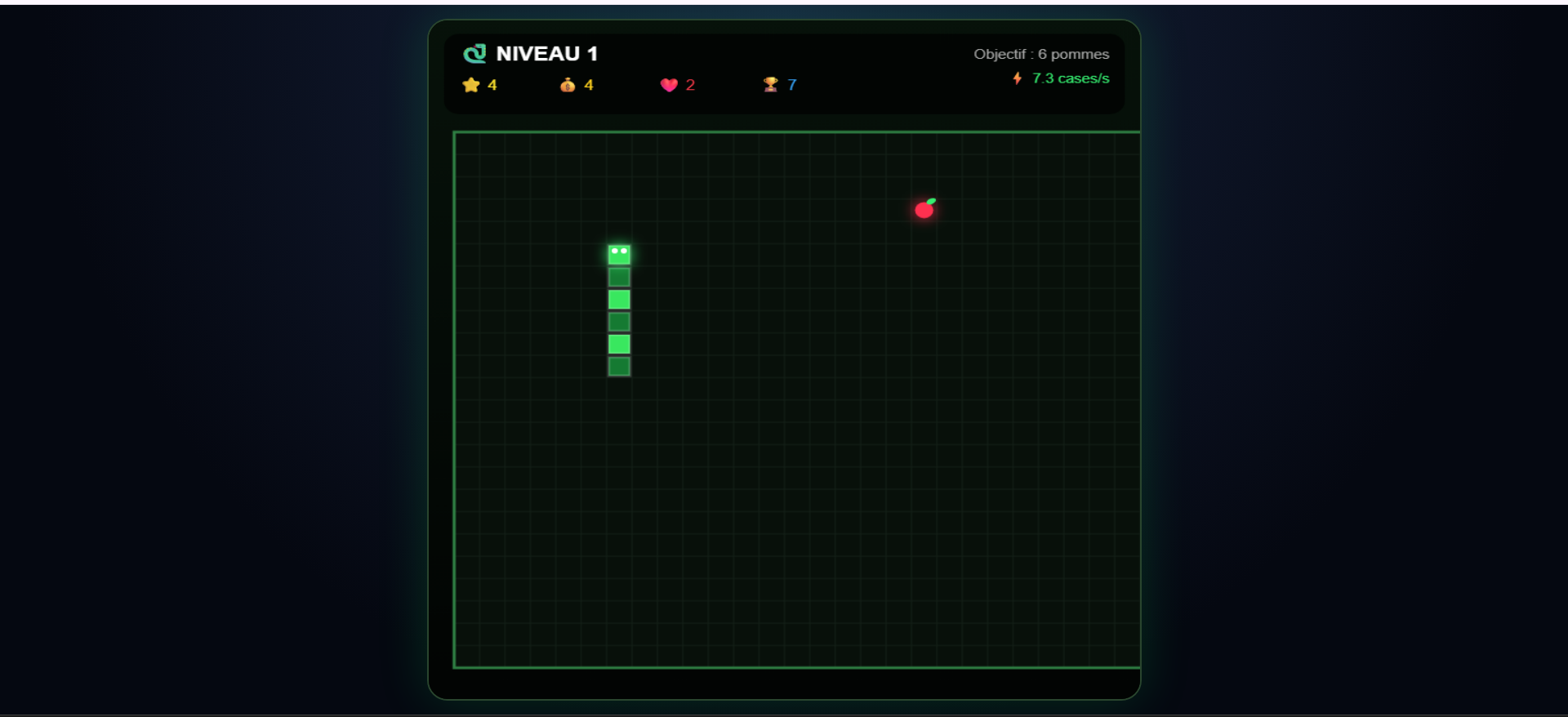
Neon Snake
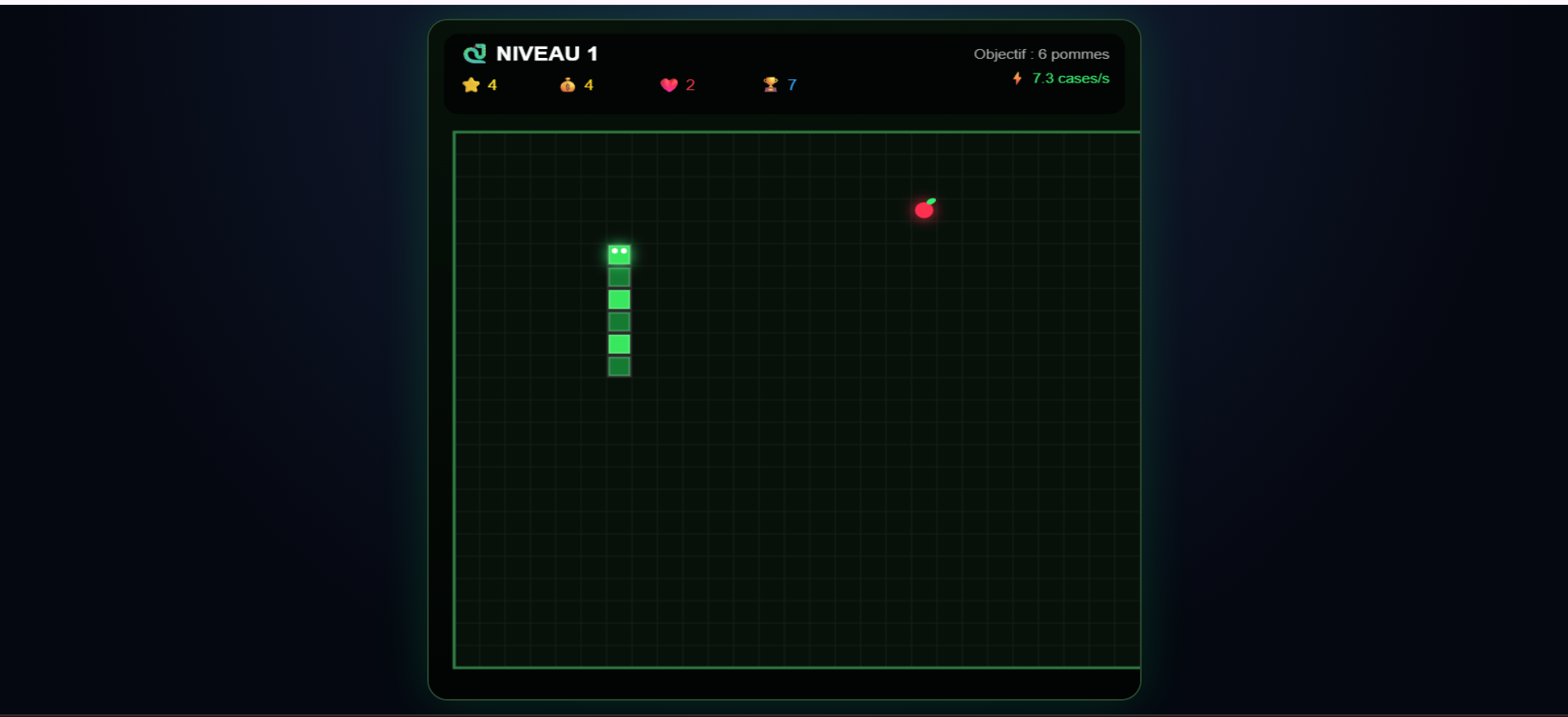
Download
Install instructions
🐍 NEON SNAKE - Download & Install
🎮 OPTION 1 – Windows users (no installation required)
1. Download the .zip file.
2. Extract the .zip (Right-click → "Extract All").
3. Double-click NeonSnake.exe.
4. Play immediately!
⚠️ Windows may show a warning: "Windows protected your PC".
→ Click "More info" then "Run anyway" – this is safe!
🐍 OPTION 2 – Python users (Windows / Mac / Linux)
📦 Requirements:
- Python 3.12 or higher
- Pygame library
⚡ Installation (1 minute):
1. Install Python 3.12+ → https://www.python.org/downloads/
⚠️ CHECK "Add Python to PATH" during installation
2. Open Terminal (CMD on Windows / Terminal on Mac/Linux)
3. Install Pygame:
pip install pygame
4. Download and extract the ZIP file
5. Run the game:
python "Neon snake.py" (← note the quotes because of the space)
🎮 CONTROLS:
⬆⬇⬅➡ = Move
SPACE = Play
B = Shop
Q = Quit
+ / - = Speed
💰 GAME FEATURES:
- 10 levels
- 7 skins to unlock
- Free: 2 skins, 3 levels
- Full version: $2.99
Enjoy! 🐍🔥
## 🔒 Politique de confidentialité
Ce jeu ne collecte aucune donnée personnelle. Aucune information n'est stockée ou transmise.
Données de jeu sauvegardées localement dans votre navigateur uniquement.
Pour toute question : support@email.com